Connect analytics to how your teams actually work
Validate product releases in real time
Analyze feature deployments and understand test results without leaving your development environment. Go from feature launch to full exposure analysis in under a minute. No switching tools, no waiting for reports.
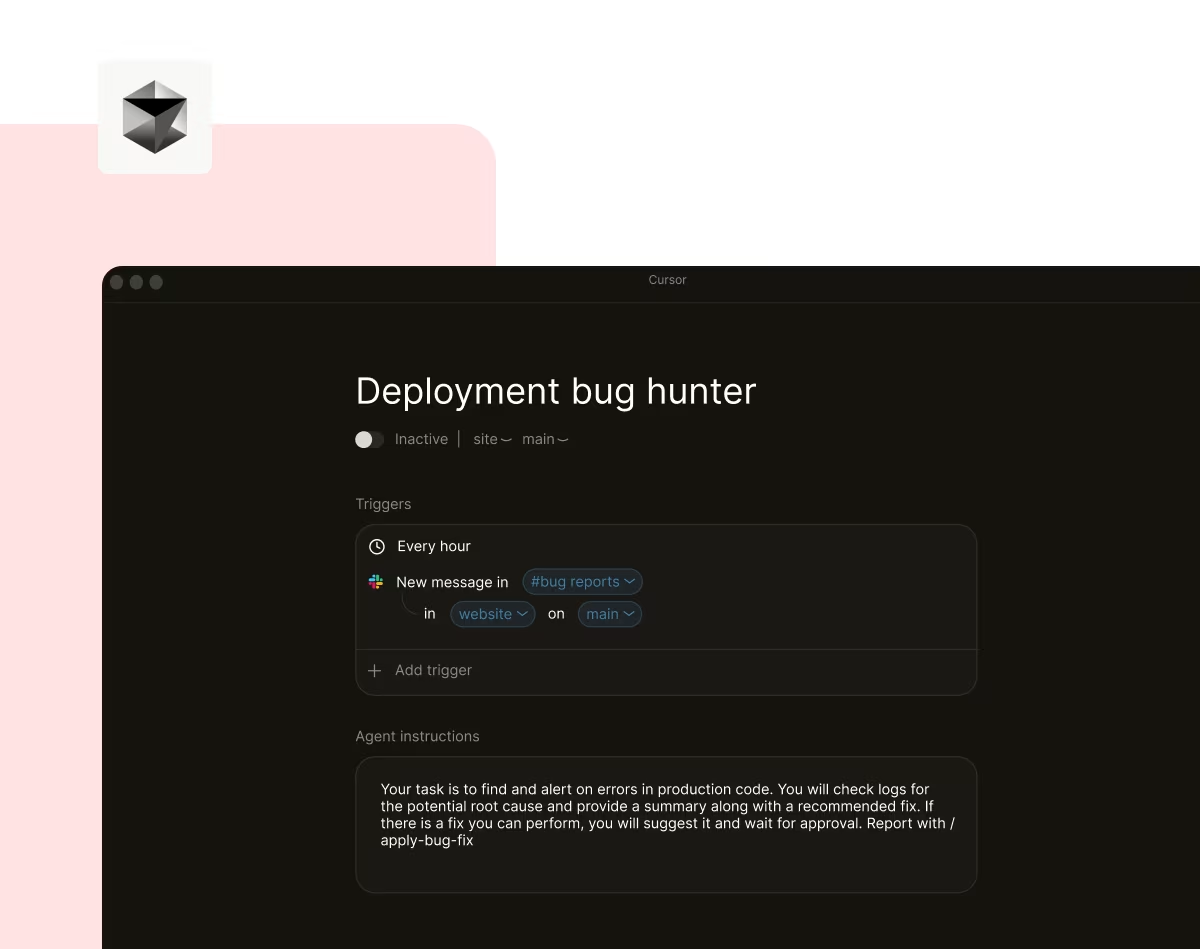
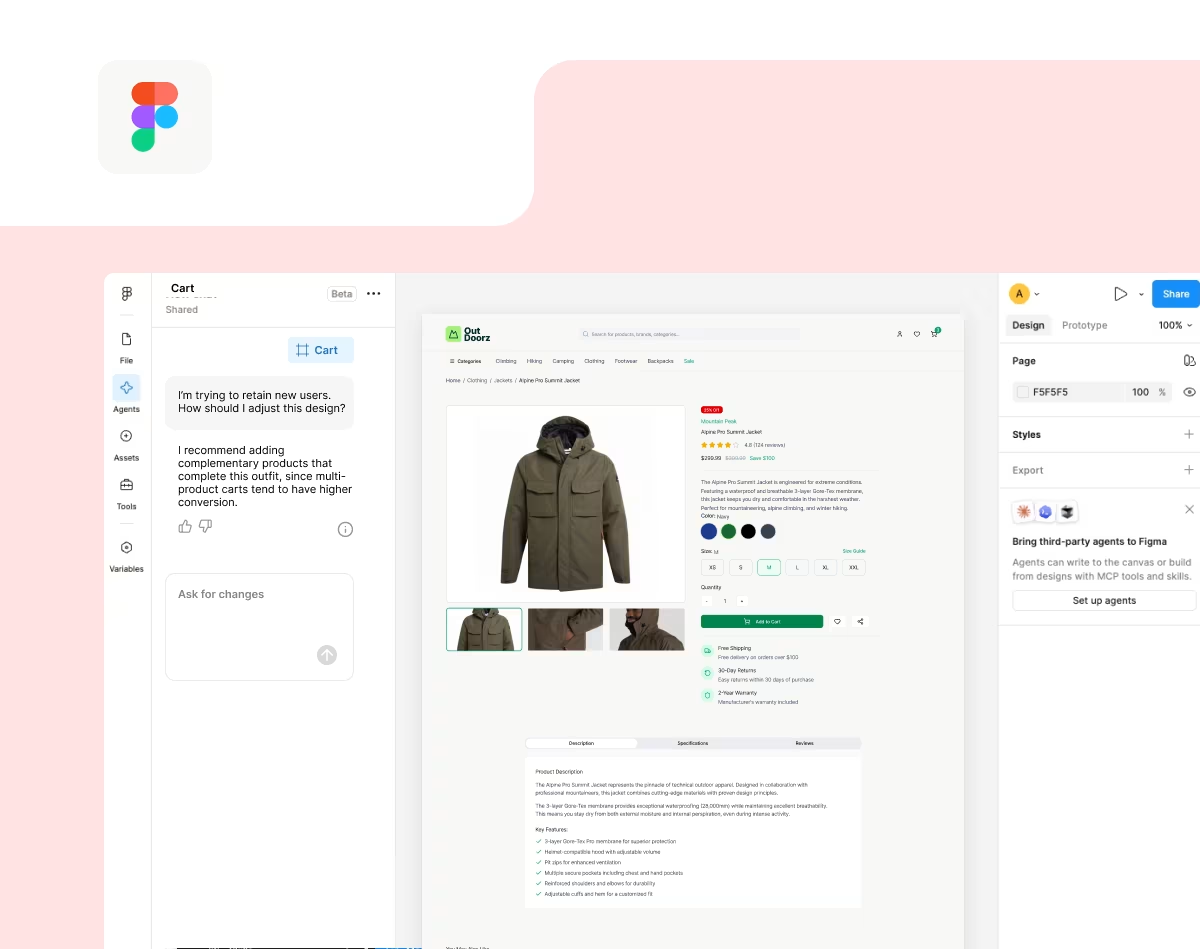
Bring Contentsquare into all your data workflows

Sync MCP with your AI tools and databases in a few easy steps. One simple integration, endless “ah-ha!” moments.

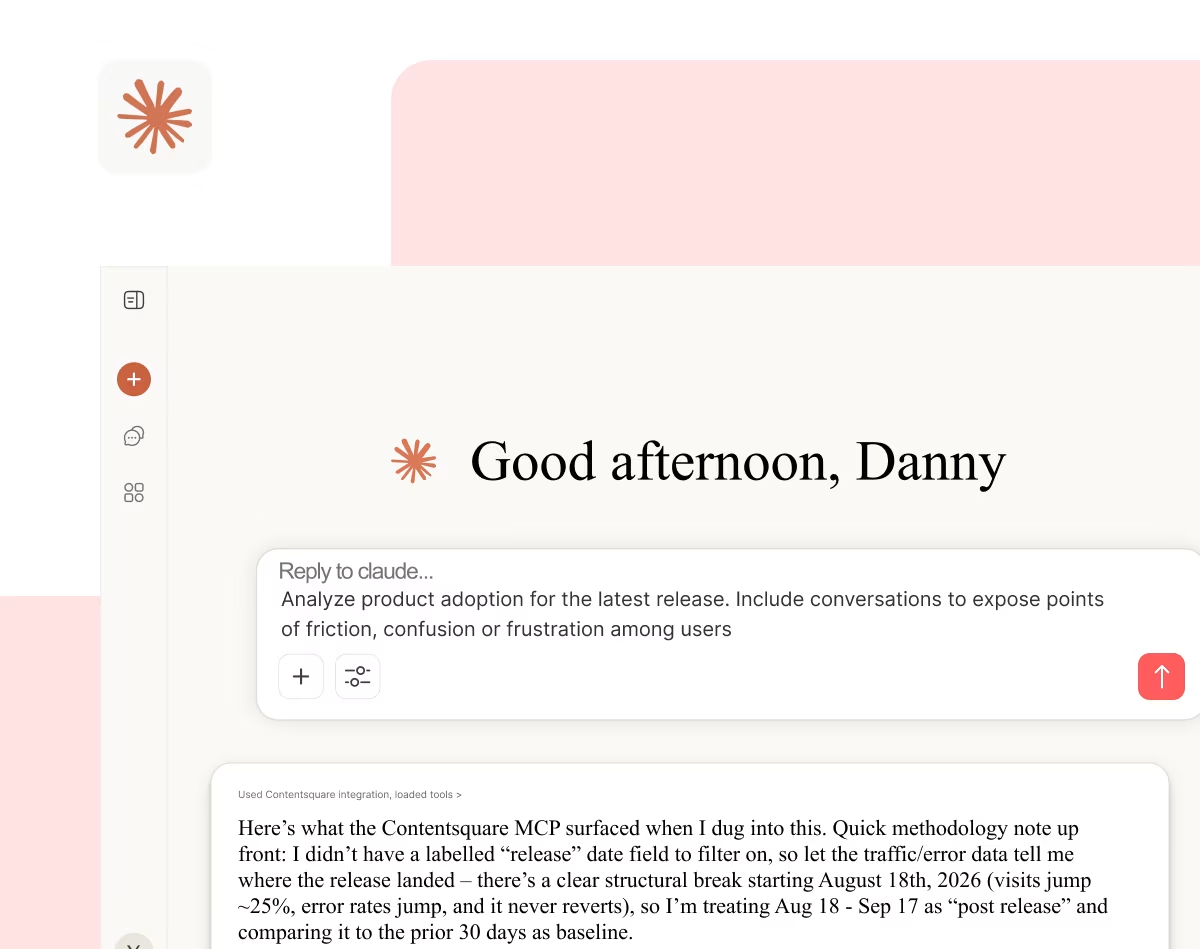
Chat with AI to get the insights you need—from simple answers to comparisons, reports, and recommendations.

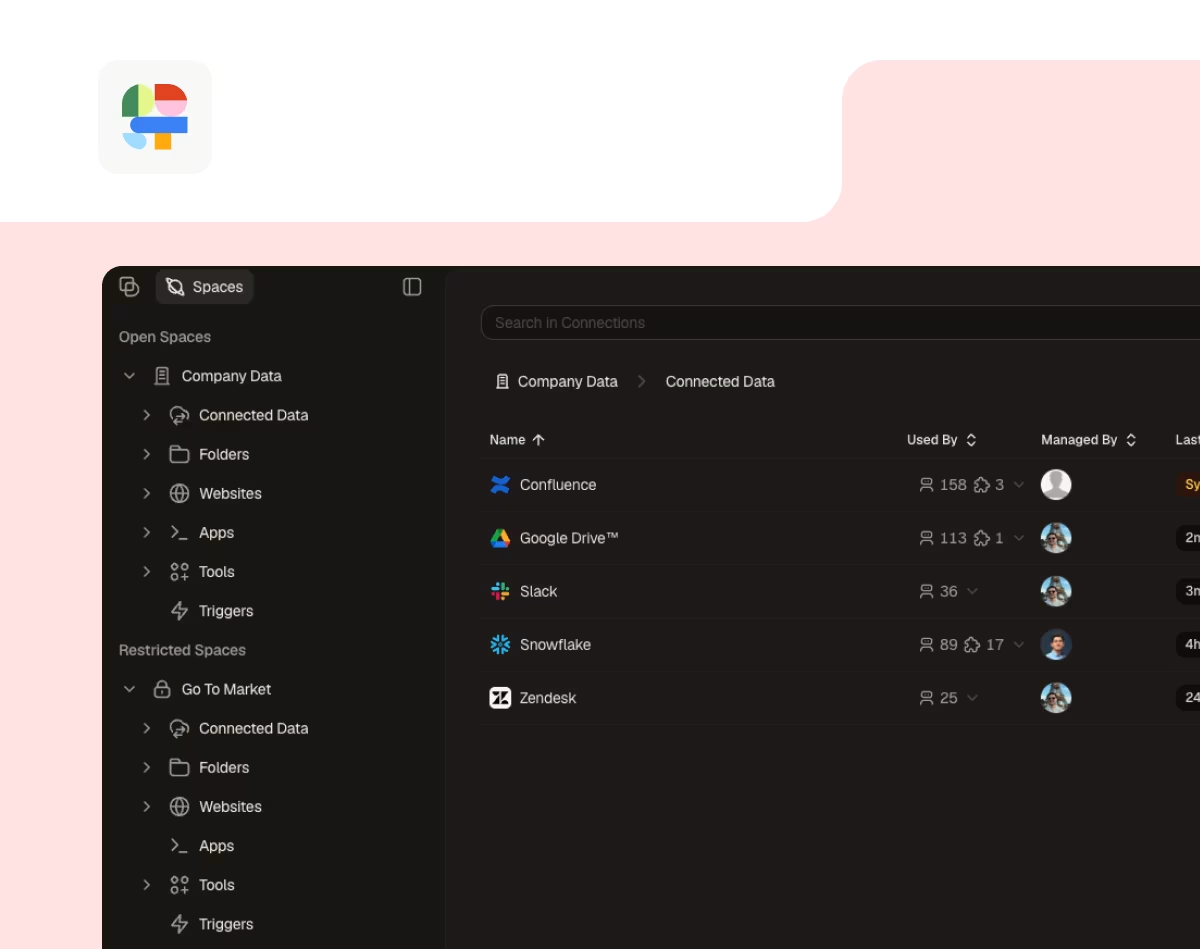
Connect your tools and get combined insights from Contentsquare, Jira, CRMs, support platforms, and more.
Spot gaps faster with Contentsquare’s MCP

Connect your tools






Frequently asked questions
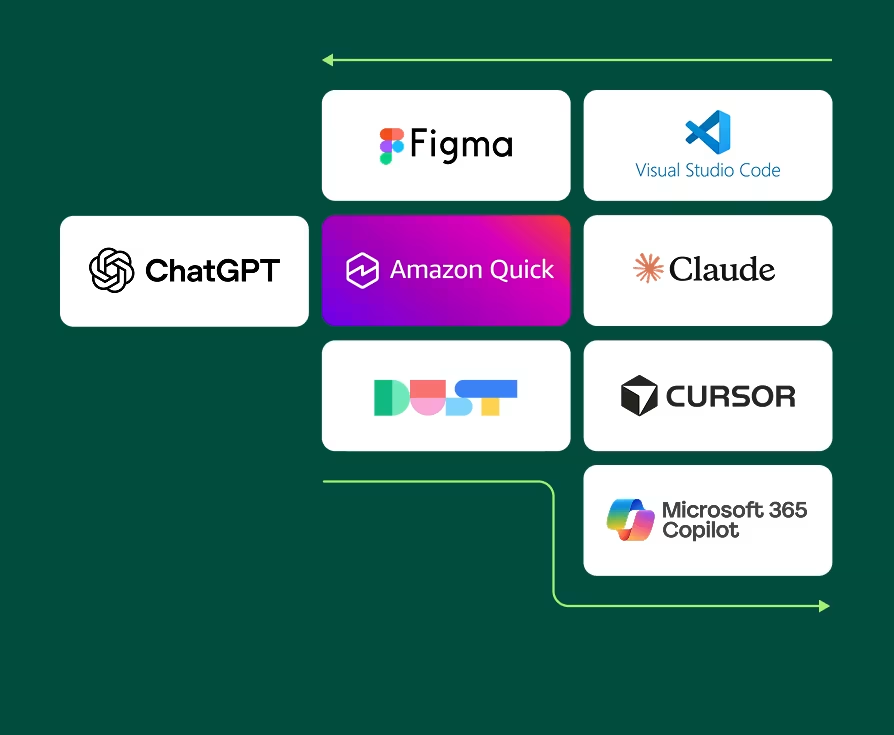
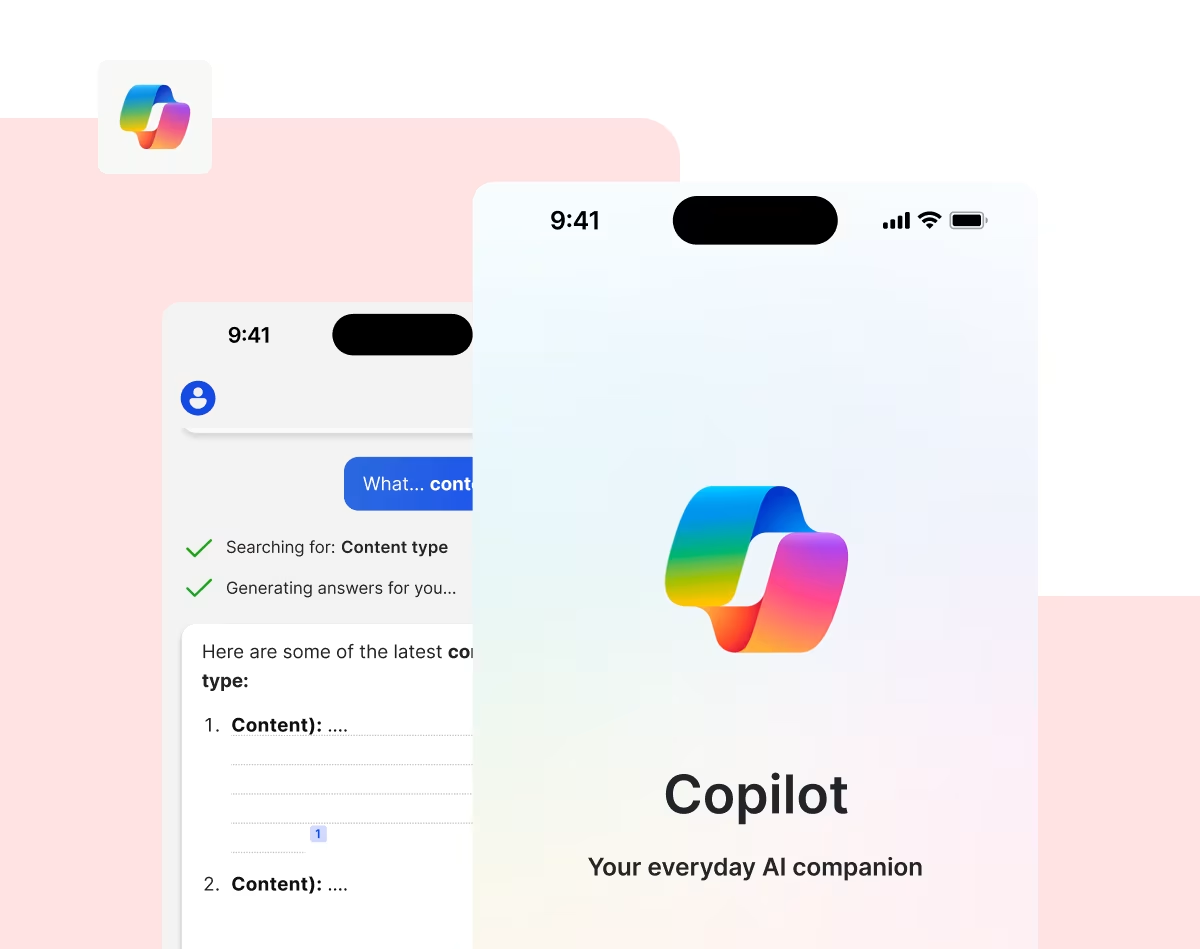
MCP (Model Context Protocol) is Contentsquare's AI-native integration that connects your experience analytics to the AI agent your teams already use—ChatGPT, Claude, Microsoft Copilot, and more.