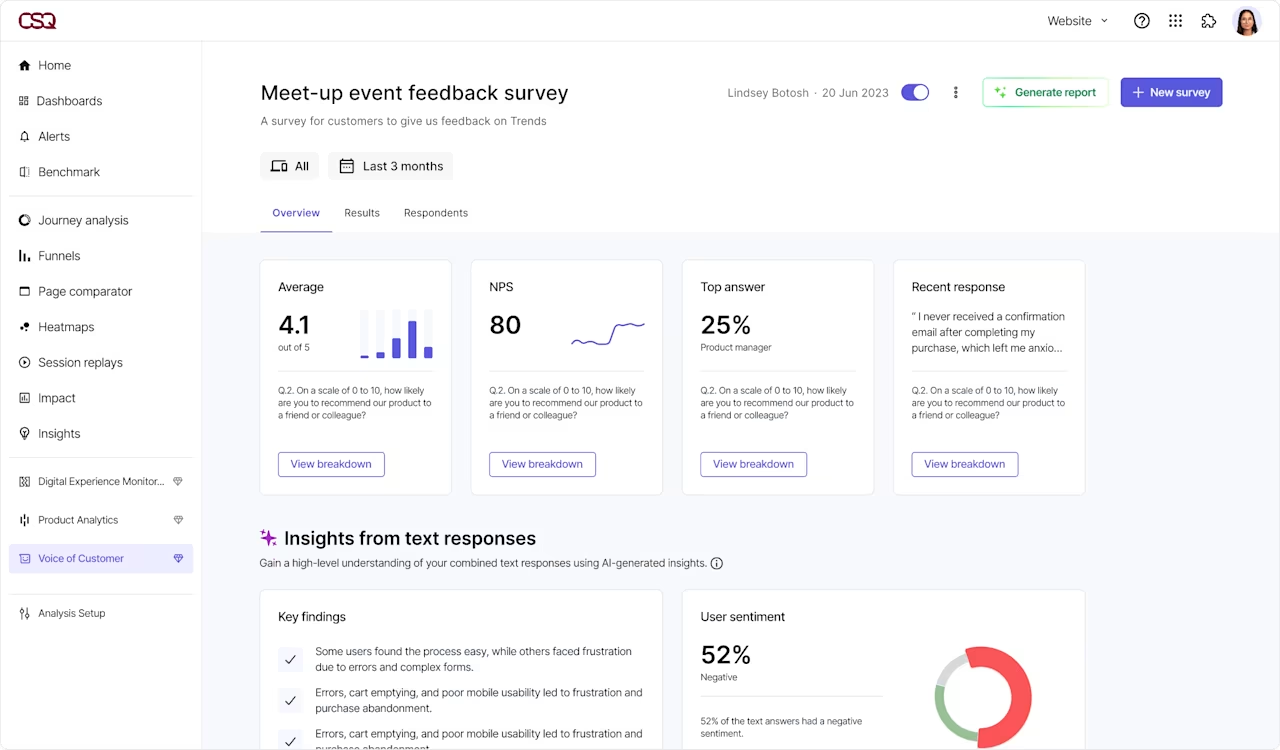

Place always-on surveys in key parts of your funnel, or trigger surveys after specific events

Jump to related session replays to see what the user experienced before leaving feedback

Forward helpful feedback to Jira, Asana, Linear, and Trello directly from Contentsquare
Launch surveys in seconds
Tell the AI assistant what you’re working on and it suggests questions for you. Or pick from 40+ survey templates that you can tailor to your audience—it couldn’t be easier!
![[Visual] Capabilities - Surveys - Features - Templates & AI - Survey template gallery](http://images.ctfassets.net/gwbpo1m641r7/1fDv2ZkCm8GiG5R5QPUnyV/207f2de35686456a11f0ce240d20e673/Templates_and_AI.svg?w=655&q=85&fit=scale)
Tailor any survey with a few clicks
Add your own colors, button copy, and logo to match your brand. Launch simple one-question surveys, or use responsive question flows that adapt to respondents’ answers.
![[Visual] Capabilities - Surveys - Feature - Customization](http://images.ctfassets.net/gwbpo1m641r7/11lACJqVDlBUFvl06ofMGx/27c1880af0b428a98d7beba191d9d838/Easy_customization.png?w=1280&q=85&fit=scale&fm=avif)
Instantly find the answers in your data
Too busy to analyze your survey data? Let AI do the heavy lifting for you. Easily spot trends with automated tagging, or get a quick summary of the main trends in your responses.

Measure customer happiness
Use Net Promoter® Score surveys to ask users for a 1-10 rating at key points in their journey. Analyze the results to determine customer loyalty and track how it changes over time—or at key moments in the journey.
![[Visual] Capabilities - Surveys - Features - NPS](http://images.ctfassets.net/gwbpo1m641r7/MlmD25GgyoAYMI0RbW8Yz/04cc11e4561ea5c1904152a15f2c2c75/NPS__surveys.svg?w=655&q=85&fit=scale)
Collect ongoing feedback for continuous discovery
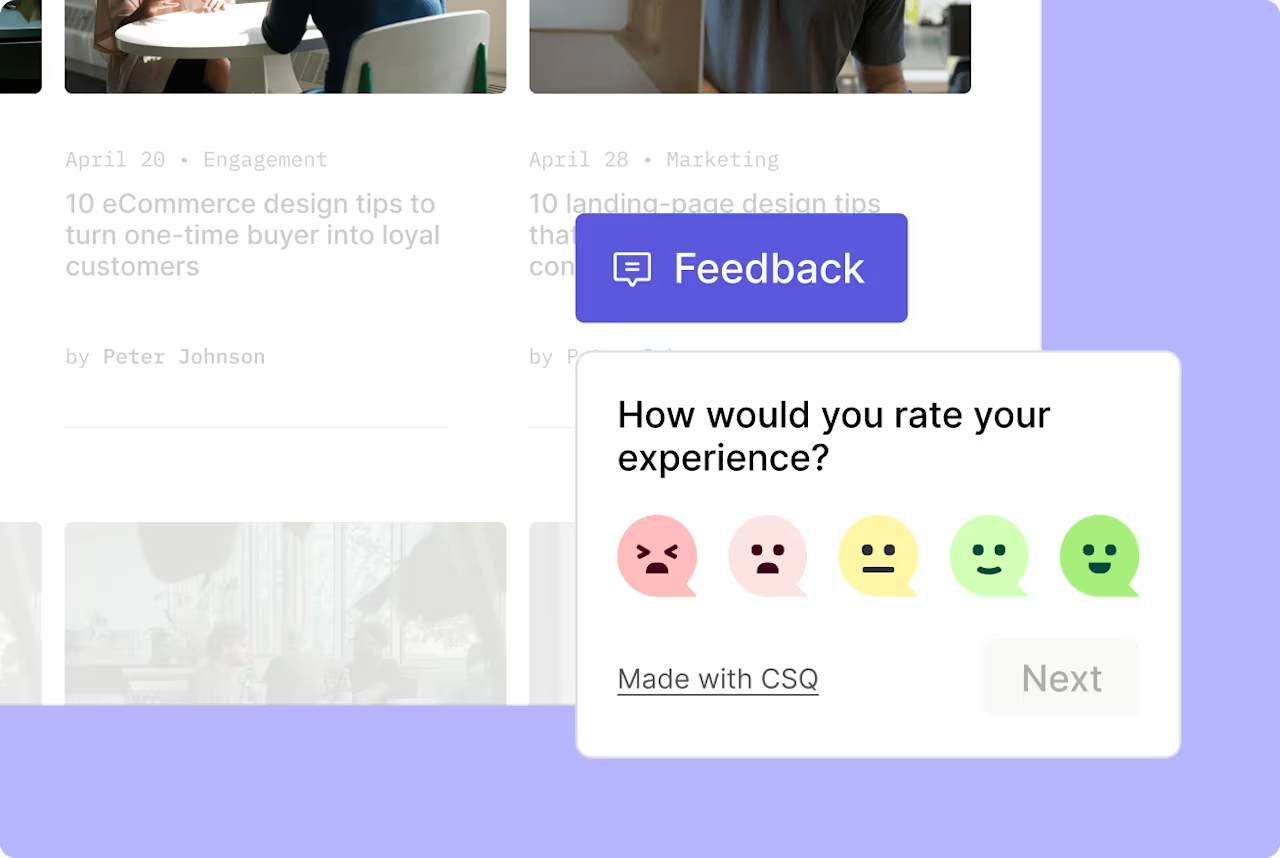
Add a feedback button to find out what users love, what frustrates them, and what to work on next. Auto-capture screenshots to see what was happening when the user left feedback.
Analyze the impact
Have your surveys uncovered an issue or complaint? Quickly see how many users made similar comments, and how it affects key goals (like conversions and revenue).
![[Visual] Capabilities - Surveys - Features - Quantify - Survey responses with sentiment analysis](http://images.ctfassets.net/gwbpo1m641r7/2LAUWojNqxgONNnwgpvhIF/665597ac1a5f2d02205bb0dfca8b6d1c/Quantify_issues.svg?w=655&q=85&fit=scale)
Give users a direct line to your team
Get a constant stream of new ideas to inform your product roadmap
Ask users how your product helps them, what new features they want next, and where they’re struggling. See responses for different audience segments so you find out what key groups need most.
![[Visual] Capabilities - Surveys - Use Cases - Product Improvements - survey results](http://images.ctfassets.net/gwbpo1m641r7/5oz4ChqO9fCZkY96d1vXZa/71bf37f21bb0a9d3b993eb2ae4f5e785/Make_awesome_product_improvements_faster.svg?w=654&q=85&fit=scale)
![[Visual] Capabilities - Surveys - Use Cases - Reduce Churn - User experience feedback](http://images.ctfassets.net/gwbpo1m641r7/2hVp8fsQ7lgfYCRGmSRVbF/9074de8a02ac6b88089b0d21ca451448/Reduce_churn_and_abandonment.svg?w=654&q=85&fit=scale)
Discover why users are unhappy
Use exit intent surveys to ask users why they’re leaving your site, or trigger popover surveys to appear after users cancel their subscriptions. When users report issues, go straight to related session replays to see what’s going wrong.
Gather quantitative data for specific pages and audience segments
Use NPS® surveys to measure customer sentiment across different pages. Check your results to see which parts of the customer journey need improvement the most. By viewing how ratings change over time or between segments, you can gauge how effective your optimization efforts are.
![[Visual] Capabilities - Surveys - Use Cases - Track Customer Loyalty - NPS](http://images.ctfassets.net/gwbpo1m641r7/7tUftZyvBWu9t7NZliwkHV/a81660a77627a678cfbba86c5efd636e/Track_customer_loyalty_and_happiness.svg?w=654&q=85&fit=scale)
![[Visual] Capabilities - Surveys - Use Cases - End to End Research - Sentiment analysis segmentation](http://images.ctfassets.net/gwbpo1m641r7/2WOOH1zq9QU9AIt9t8wiTf/bbcf48f43b9ba6885567c675ed693e18/Conduct_end-to-end_user_research.svg?w=654&q=85&fit=scale)
Go deeper to learn more about any survey response
Create segments in Contentsquare to see if there are technical issues or other trends causing a common response (like negative feedback). Then jump to Impact Quantification then to quantify the impact of conversion and revenue on your business.
Discover more
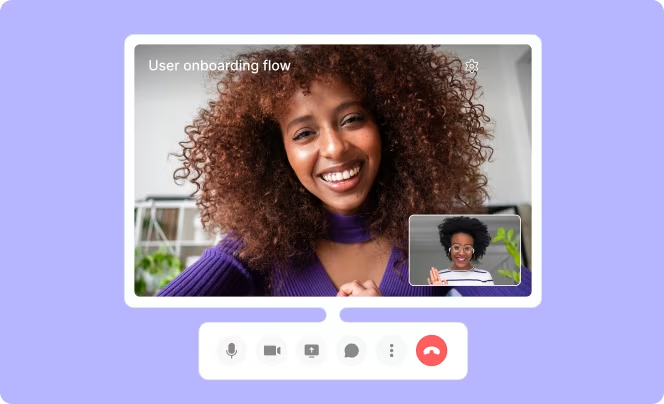
Investigate audience needs and validate product ideas by speaking with the right people

See how users interact with your website or product, in their own time, without guidance from a moderator.
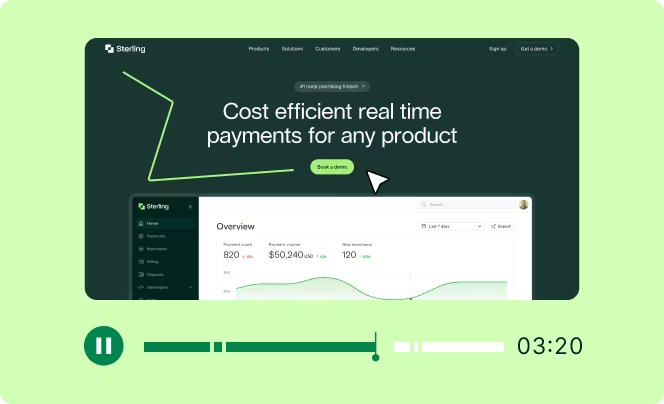
View the session replay for any individual survey response to get the full picture of the user's experience.
Frequently asked questions
Describe what you're working on and the AI assistant suggests relevant survey questions for you, or choose from 40+ ready-made templates and customize them to your brand. Once responses come in, AI automatically analyzes sentiment, tags trends, and summarizes the main takeaways, so you get insights in minutes instead of manually reading through hundreds of responses.