Never miss a critical change to digital experience
Get instant notifications about critical changes in the digital experience of your users—from performance issues to drops in conversions. With our Alerts capability, you can act fast to resolve problems, optimize user journeys, and ensure seamless customer experiences.
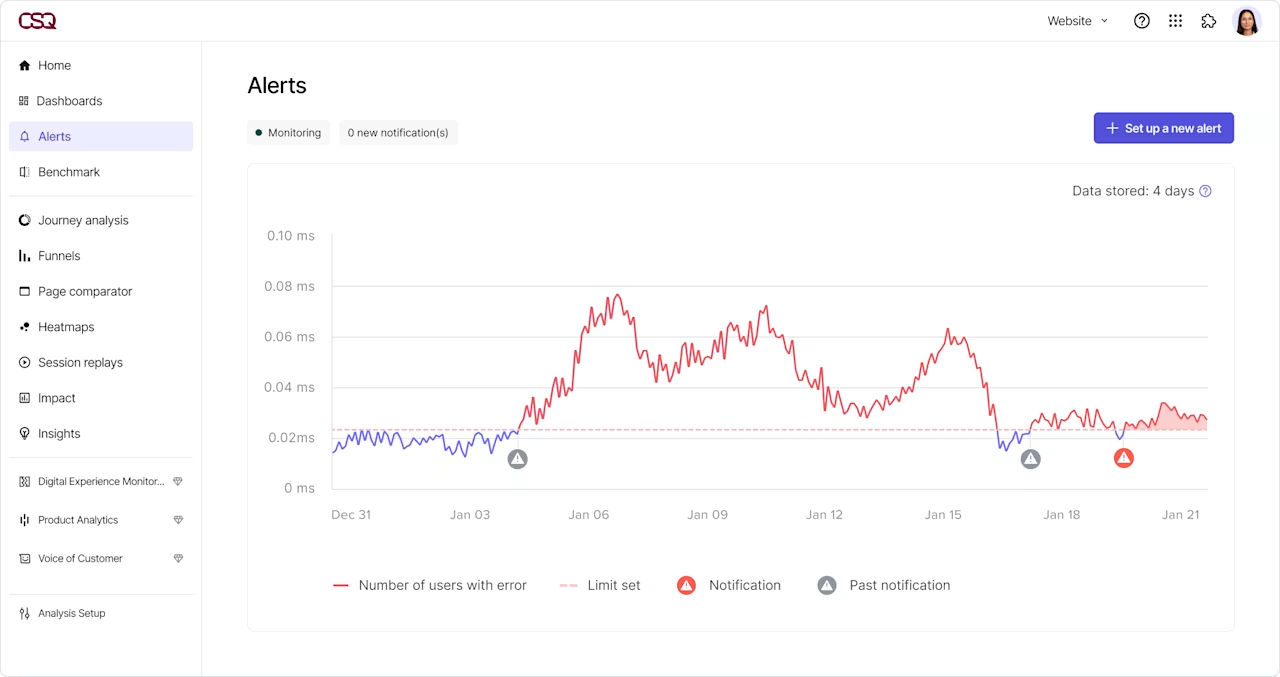
Quickly and effortlessly uncover issues

Identify and address issues like a spike in errors or bounce rate, performance degradations, or a drop in conversions before they impact your customers.

Our AI automatically determines the right thresholds so you can detect anomalies and get notified of significant changes.

With Contentsquare alerts, you can get as granular as you’d like. Monitor your entire site, specific pages, or even individual page zones to pinpoint exactly where issues occur.
Get alerted to any change, like user behavior and conversion rates
Contentsquare analytics alerts notify you of changes to metrics related to attractiveness, interaction, business outcomes, and speed. Find out about critical changes before business is impacted.

Get alerted in real-time about errors and traffic changes
Some events call for immediate notification, for example a spike in errors or a sudden drop in page views or users. With real-time alerts, you can spot issues quickly and minimize the impact on user experience and business results.

Detect unusual variations automatically with AI
Contentsquare AI helps you automatically find the right threshold for alerts, so you can focus on issues that matter. A choice of low, medium or high sensitivity levels gives you control while still making it easy to define alerts.

Proactively identify anomalies that matter
Detect and Fix Errors
Receive real-time alerts when there is an increase in errors, number/percentage of page views with errors, number of users with errors, and more. Look for specific types of errors, specific error codes, or error body elements for complete flexibility.


Identify and fix obstacles to conversion
Get notified of drops in key business metrics like conversions, average cart value, or revenues. Identify, investigate and address potential obstacles to minimize impact on user experience and business outcomes.
Fix web performance issues before users get frustrated
Get alerted to degradations in web performance, including Core Web Vital metrics (Largest Contentful Paint, Cumulative Layout Shift and Interaction to Next Paint) and other key speed metrics like First Input Delay and Time to First Byte.


Proactively address changes in engagement
Track changes in session duration or bounce rates to identify trends and improve content or design for better engagement. Get notified when user engagement suffers, then use Contentsquare to investigate and identify the cause.
Discover more

Find and fix the errors that hurt your business the most.

Track and improve vital website metrics that affect conversions and SEO.
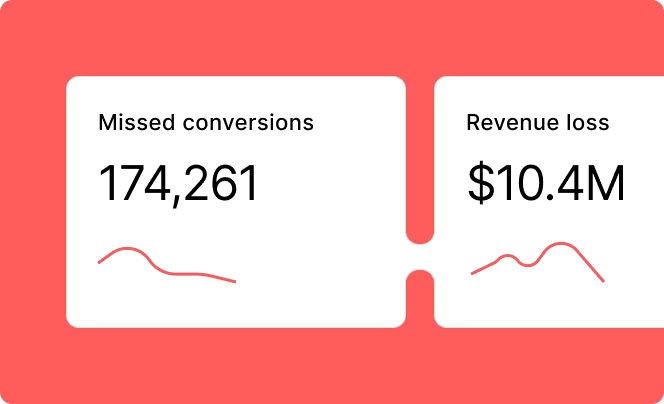
See which improvements could make the most difference to your business outcomes.

Identify the biggest areas of struggle that make customers leave.
Frequently asked questions
Contentsquare Alerts notify you about critical changes in your digital experience, such as error spikes, performance degradation, rising bounce rates, or drops in conversions, so you can act before customers are affected.