See exactly why your customers drop off with Session Replay
Replay every click and swipe to see exactly where users struggle. Our Sense AI summarizes 100 sessions in one click to surface the friction points blocking your revenue. Join leaders like Samsung, Visa, and Zoom to solve issues in seconds and boost your conversion rates.
Trusted by 1.3+ million websites and 3,000+ enterprise and mid-market brands

No time to watch session replays? Let Sense, Contentsquare’s AI, find the most impactful moments your customers experienced

Learn more from Journeys, Heatmaps, and survey data by jumping to related session replays

Contentsquare automatically masks personal information, like card and bank details
Automatically find the key moments in customer experiences
Never miss an important insight
Contentsquare can capture all your journey data, letting you see every click, scroll, and mouse movement (with personal data hidden). See where users are interested, frustrated, lost, or encountering errors.
![[Visual] Full session capture](http://images.ctfassets.net/gwbpo1m641r7/1QfHxdJXKVzQI5uW9jcOd8/d50850bc54a0daa199f673de1f180c7f/Full_session_capture.svg?w=655&q=85&fit=scale)
Spend less time reviewing hours of session replays
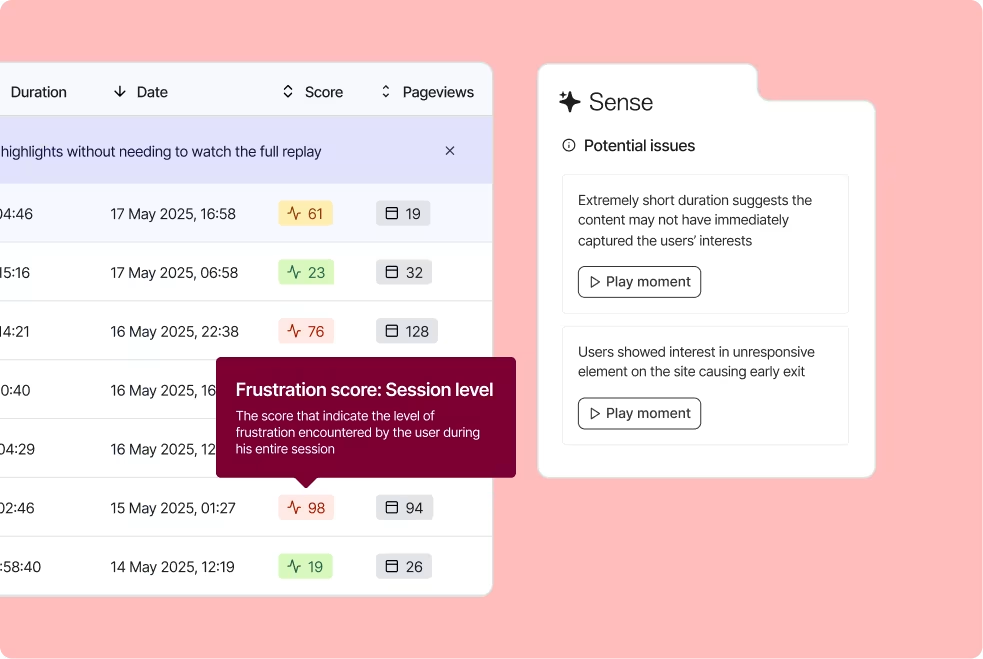
Sense, Contentsquare’s AI, automatically distills single or multiple user sessions into a concise overview. Your teams can quickly find UX insights and friction points without sifting through hours of footage.
![[Visual] Session Replay Summaries](http://images.ctfassets.net/gwbpo1m641r7/74IMQIqR0Nd8iczoJiyvVt/c901d2822dd5b9359fb1c8ac744932e4/Session_replays_summaries.png?w=983&q=85&fit=scale&fm=avif)
Make sure you capture the events you care about
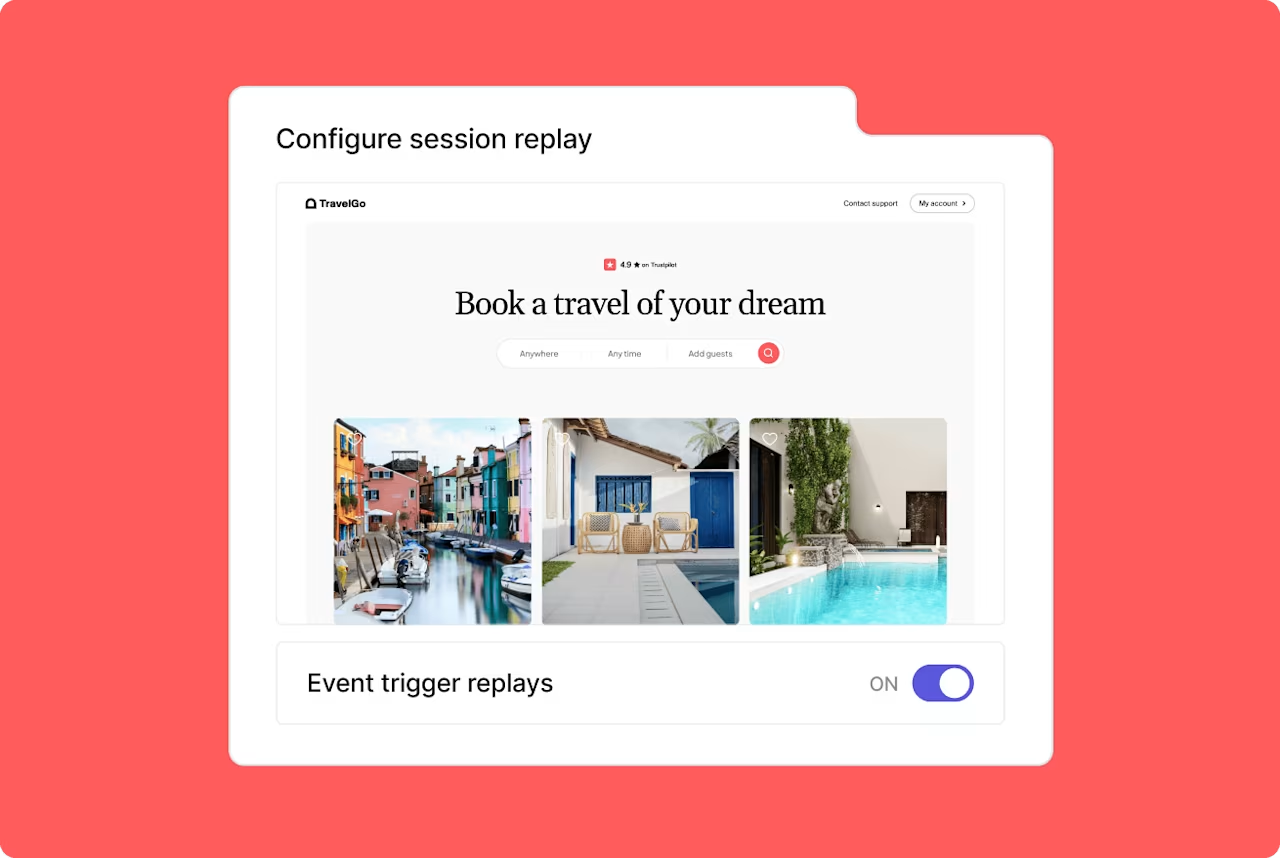
Don’t want to miss your most valuable moment? No problem. With event triggered recording, you can just capture sessions that relate to specific behaviors—like when a user leaves you negative feedback.
Quickly find and fix errors that hurt your conversions
See a list of session replays that contain errors, ranked by their impact on conversion. Filter replays by specific criteria—like negative feedback, audience segment, or User ID.

Connect seamlessly to other Contentsquare capabilities
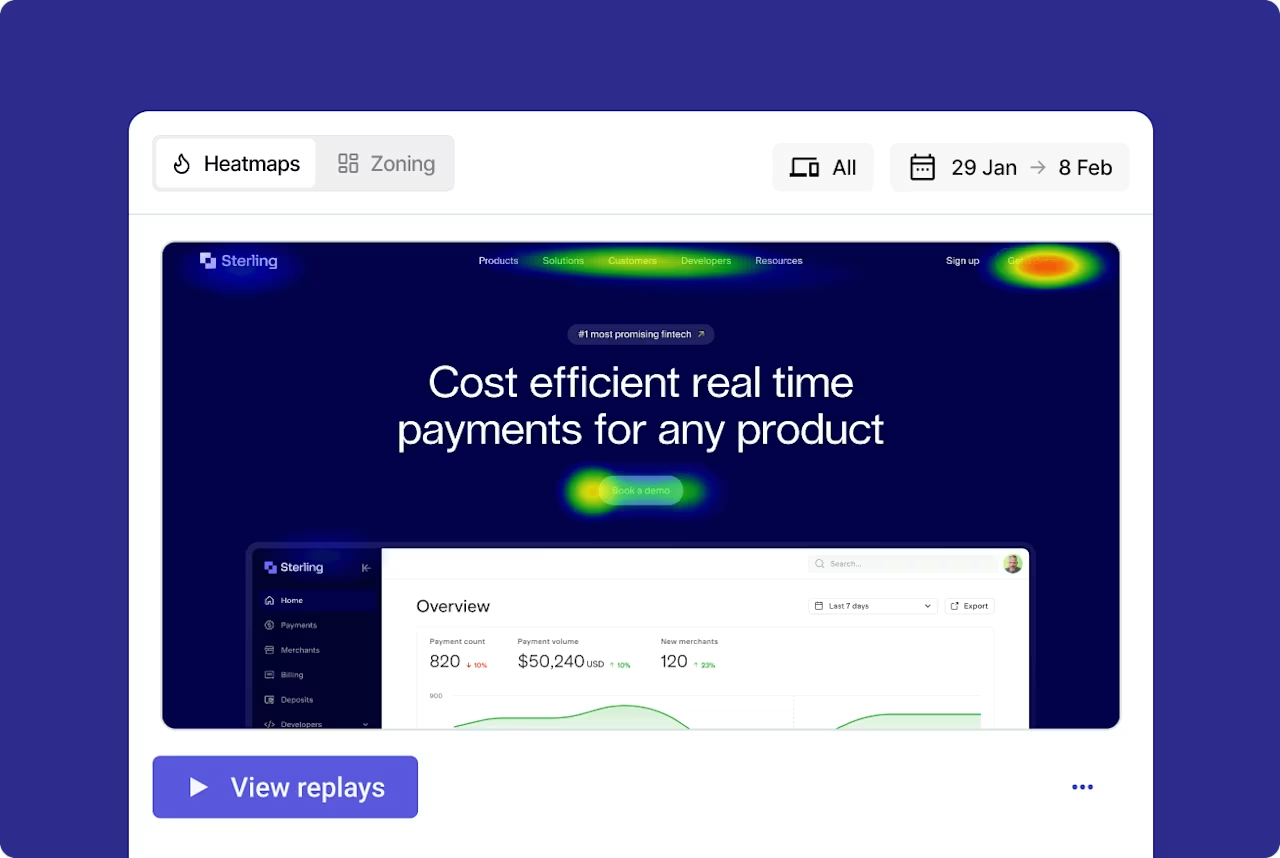
Jump straight to heatmaps or launch surveys for any page you see in a replay. Access relevant session replays with one click from Journeys, Heatmaps, and Feedback.
Skip to moments with the events you’re most interested in
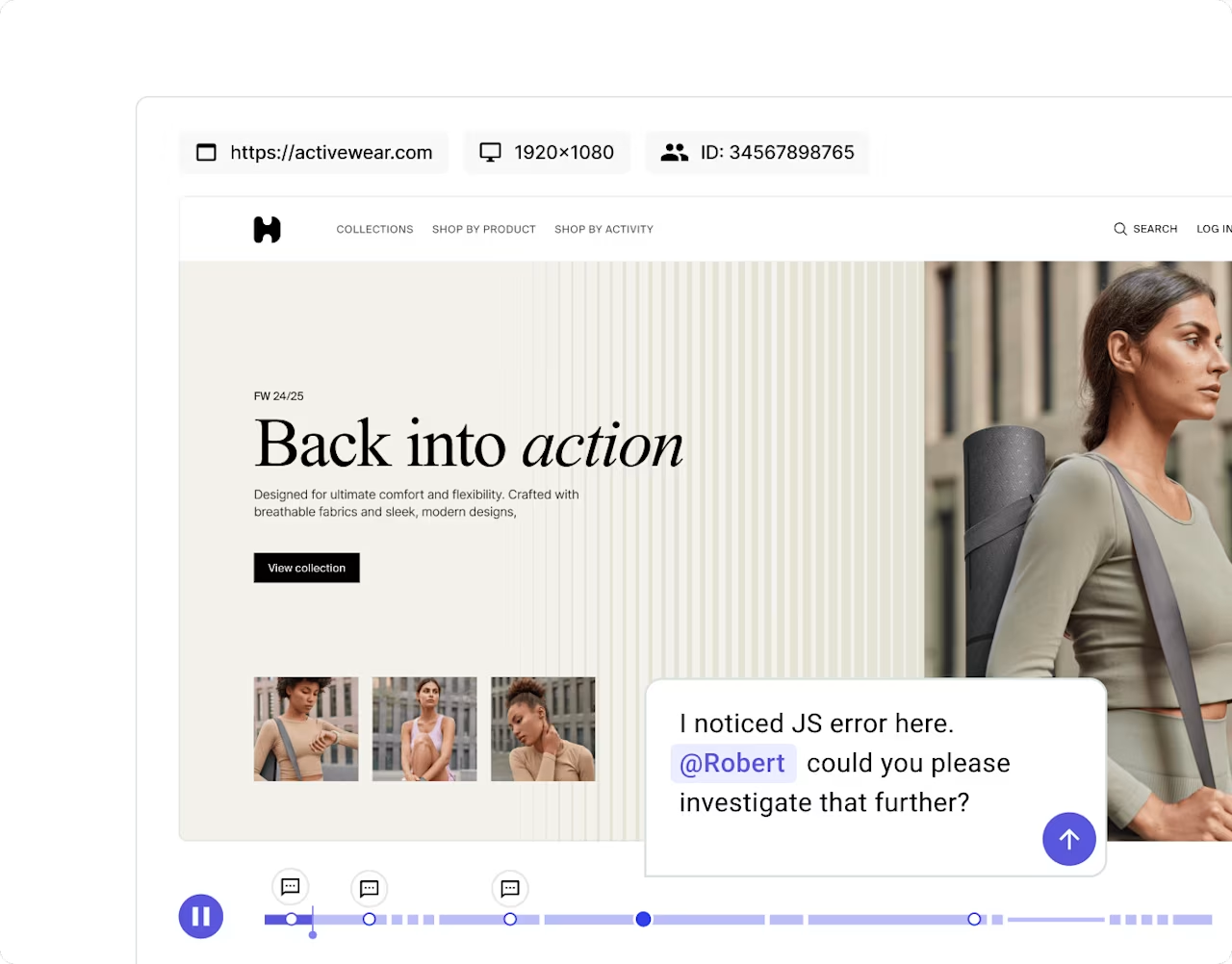
Let our AI find events that affect your business outcomes—like form submissions or crucial site errors. Jump straight to the relevant part of the replay, then leave comments to help colleagues resolve issues.
Find, understand, and improve key customer experiences
Get more context on what users are telling you
Use event-triggered recording to capture sessions that contain feedback or survey responses. Analyze and quantify issues that you identify in Surveys & Feedback with a single click. Compare the actions of visitors who rated experiences highly or poorly.
![[Visual] Session replay - Triggered recording](http://images.ctfassets.net/gwbpo1m641r7/3x0k1KqlgQqa818JvI8mni/d323e94e4fcf5afeb2fd870577f06d15/Triggered_recording.png?w=1280&q=85&fit=scale&fm=avif)
Replay user journeys to see when and where errors occur
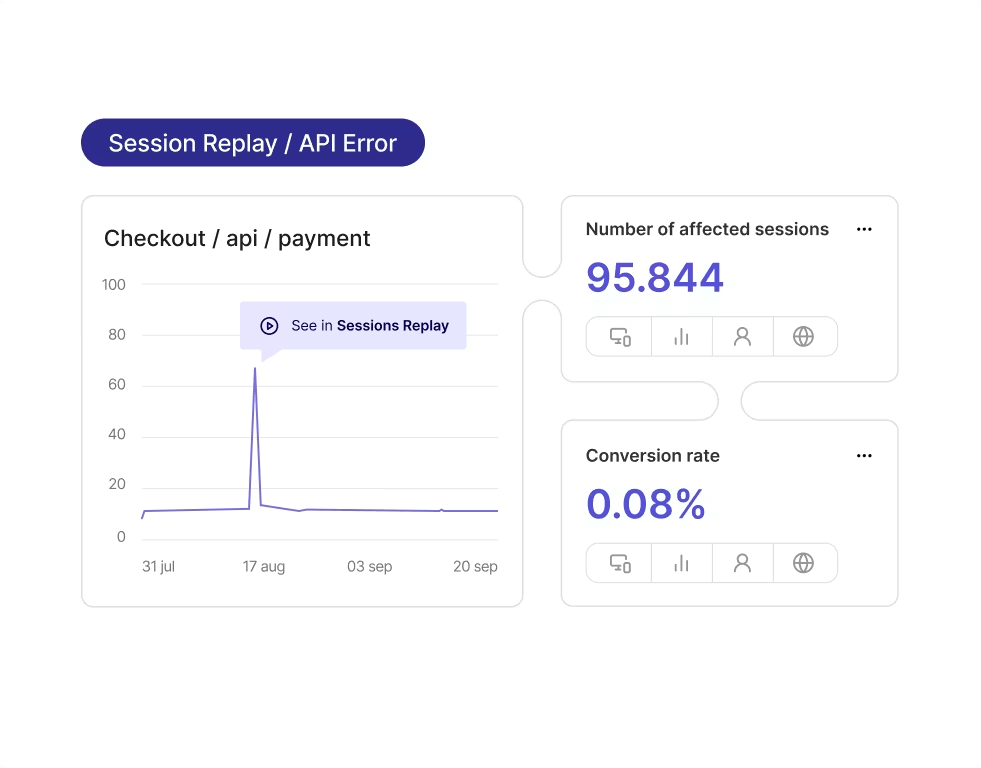
Get alerted to spikes in technical errors, then replay relevant user sessions to find the cause. See exactly where the bug is happening and how it’s affecting the user experience. Prioritize the most impactful bugs and get technical information about them from the session replay.
Leave comments directly in session replay timelines
Collaborate quickly and easily with different teams by leaving comments in session replays. Speed up fixes and ensure your colleagues are aligned around the biggest priorities.
Discover more
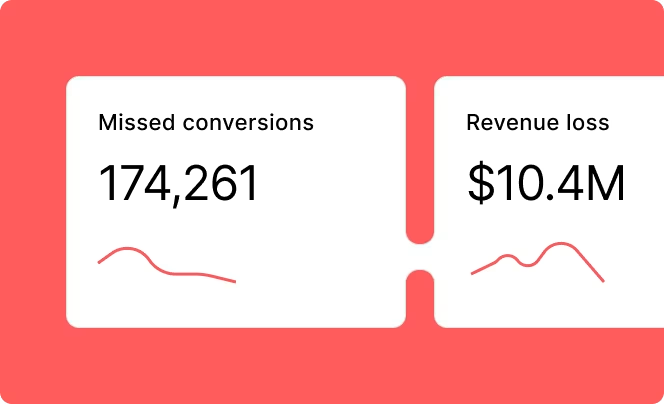
See which improvements could make the most difference to your business outcomes.
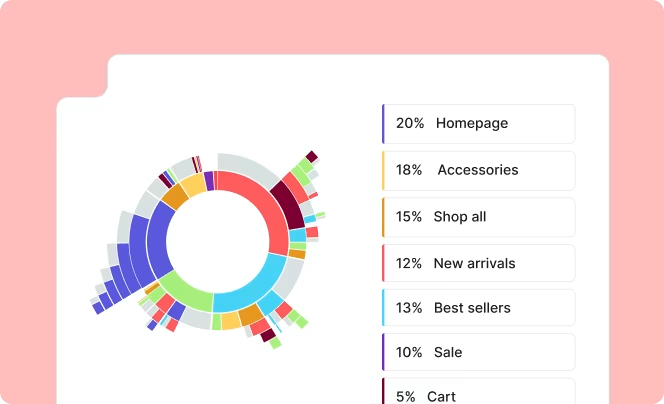
See how customers move through your site or app, where they drop off, and which paths lead to conversion and return visits.
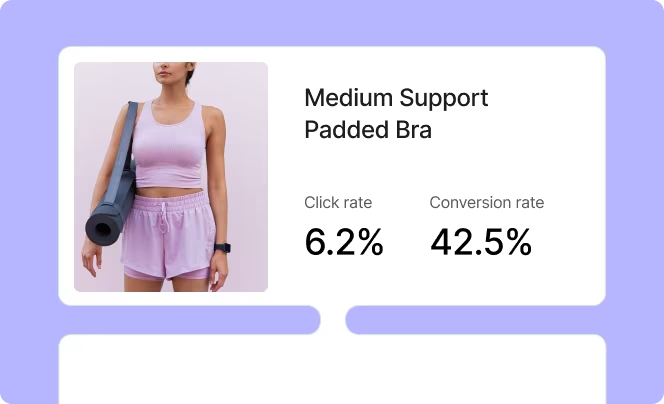
Boost revenue from key placements by understanding the driving factors impacting your product, brand, and category sales.
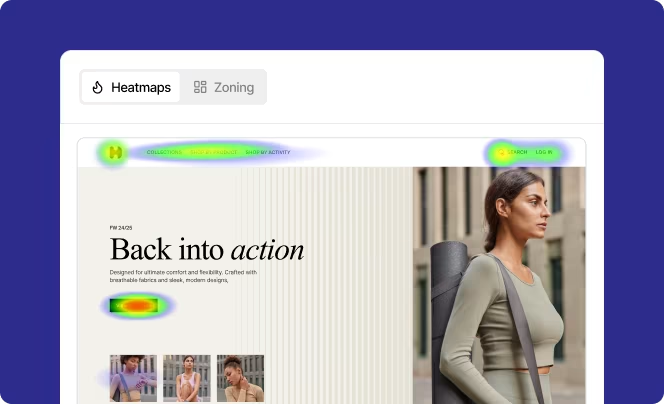
See where users click, hover, and scroll, so you can understand where users get distracted—and what grabs their attention.
Frequently asked questions
Session Replay is a video replay of an individual user’s session on your website. It allows you to see how users experience your site from their point of view. This includes seeing the user’s own clicks, hovers, and scrolls, and how any errors appeared on their screen.