4.6
on G2
4.6
on Gartner
Error Analysis Tool

Stop Losing Customers to UX Issues & Website Errors

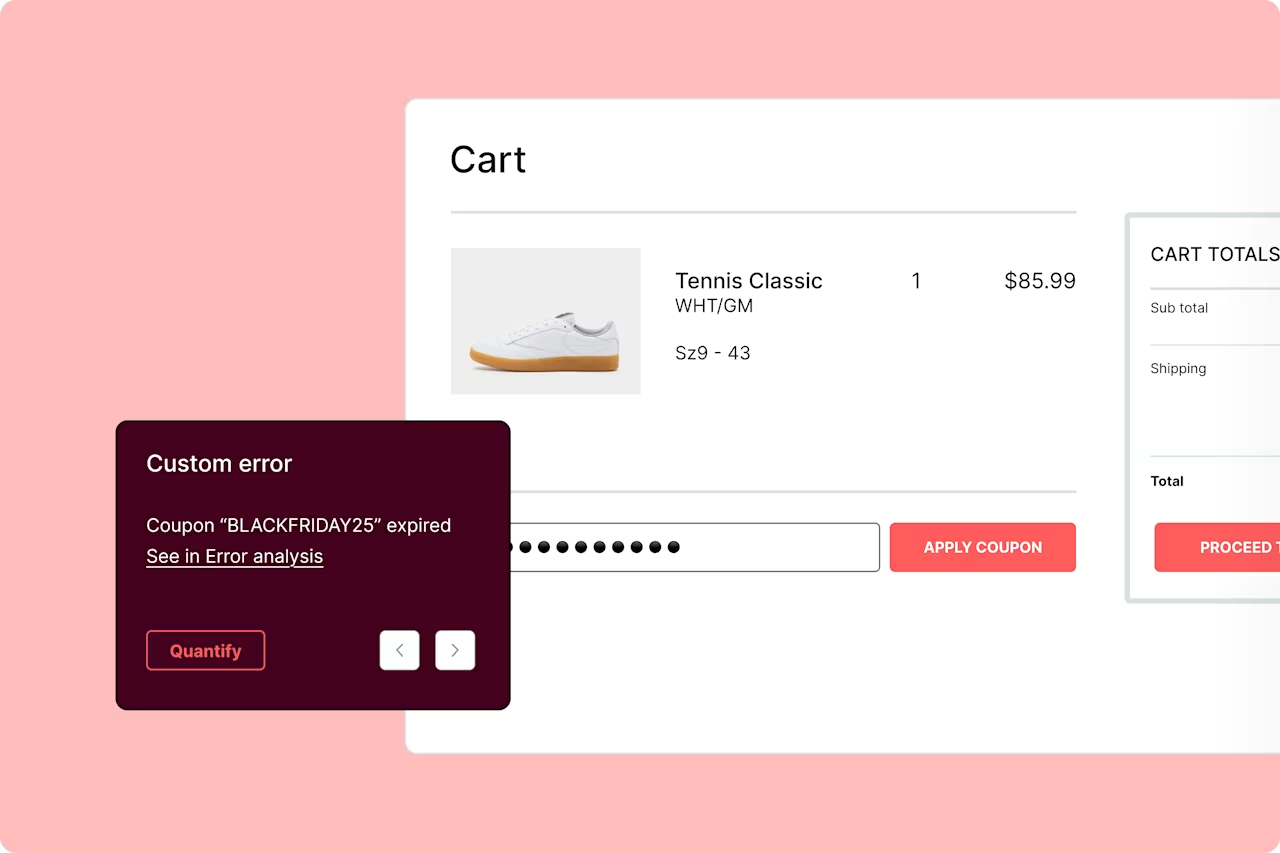
Surface both technical and non-technical errors on your sites and apps. Rank them by impact with real-time alerts to stop rage clicks, fix UX friction, and optimize every user journey—effortlessly.

Error analysis hero
    Audi
    +
    1207
    7
    %

    Audi boosts conversions by +7% through data-driven CRO with Contentsquare

    Read Audi's story
    Customer story — Nespresso Logo
    6536
    6
    9500
    0
    6502
    2
    %

    ROI over 3 years from Contentsquare implementation

    Read Nespresso's story
    [Asset] Customer story - Pirelli
    +
    5021
    1
    5494
    4
    %

    increase in conversion rate

    Read Pirelli's story
    EasyJet
    +
    8967
    7
    .
    6393
    3
    %

    increase in revenue for this customer journey

    Read Easyjet's story
    Specsavers — Logo
    +
    8952
    2
    5194
    4
    %

    increase in ecommerce purchase rate, +33% conversion rate of optics booking

    Read Specsavers' story
    John Lewis & Partners
    +
    2392
    2
    6917
    7
    .
    5843
    3
    %

    increase in engagement on campaign banners

    Read John Lewis's story
    [Asset] Customer story - Hanes logo
    0454
    4
    x

    increase in campaign landing page conversion rate

    Read Hanes' story
    Ocado
    +
    7316
    6
    2930
    0
    %

    increase in average monthly Contentsquare users

    Read Ocado's story
    Admiral
    +
    0611
    1
    2545
    5
    %

    QA analysis outcome score has gone up by 15% from 85% percent to 98%

    Read Admiral’s story
    Capabilities
    Reduce Frustration
    Reduce user frustration

    Swiftly solve errors that disrupt user journeys

    Increase conversions Icon
    Increase conversions

    Remove obstacles that stop users from converting

    Prioritise Efforts
    Prioritize your efforts

    Focus on the issues with the biggest impact​​

    After 16 days, this small fix saved us £1.2K. This amounts to an annual saving of over £27k, showing the benefits of resolving an error which could easily have gone unnoticed for much longer

    Emma Hamilton
    Web Development Manager, The Conran Shop
    Key features of Error Analysis

    Find, understand, and resolve any issue

    Error reporting

    Get technical and functional errors on your radar

    Find JavaScript, API, and custom (or user-defined) errors harming your conversions and revenue. Jump directly to related session replays to see how errors affect real user journeys, and prioritize issues that make the biggest impact.

    Error Analysis - Features - Error Reporting [Fall Launch Update]
    Real-time dashboards & alerts

    Proactively find errors to minimize their impact upon users

    Get alerted to error spikes by real-time notifications in your Slack or Microsoft Teams channels. View session replays to dig into the underlying technical details, and file Jira tickets with 1-click.

    Real-time dashboards & alerts product illustration
    Text search

    Search user journeys for text-based warnings and error messages

    See how users experience errors by searching for specific text that appears in warning and failure messages. Replay individual sessions to watch what the user did before seeing the messages.

    Error Analysis - Features - Text Search [Fall Launch Update]
    Session Replay

    See exactly what your users saw and how errors affected their behavior

    Replay any individual user journey in a video-like recording with a timeline of errors and troubleshooting details. You’ll see exactly what the user saw—including any bugs or error messages that popped up on their screen.

    Error Analysis - Features - Session Replay [Fall Launch Update]
    Common use cases

    Stay on top of errors and issues

    Error Analysis - Use Cases - Error Summary [Fall Launch Update]
    See an instant summary of any error

    Understand what’s going wrong, without technical expertise

    View AI-powered error summaries to get a clear snapshot of what went wrong—without trawling through session replays. 

    Instantly see where the issue occurred, what the customer experienced, and how it now impacts conversions or revenue. Plus, you’ll even see technical info like which devices and browsers it affected. So you can find the root cause of the error and fix it fast.

    Find and resolve the most impactful errors

    Jump straight to the errors that hurt your business the most

    Errors are inevitable, but who has the time to assess them all manually? Contentsquare automatically alerts you to the most critical issues so you know what to prioritize.

    Error Analysis - Use Cases - Most Impactful Errors [Fall Launch Update]
    Error Analysis - Use Cases - Triage and Troubleshoot [Fall Launch Update]
    Triage and troubleshoot customer complaints

    Get to the bottom of complaints by surfacing root causes in session replays 

    Investigating complaints from Voice of Customer tools or contact center tickets? Pinpoint technical errors with the Session Replay event stream.  

    Skip straight to the moments where errors were detected to immediately see what’s going wrong. Then quantify how many other users are experiencing the same error with a few clicks.

    Discover more
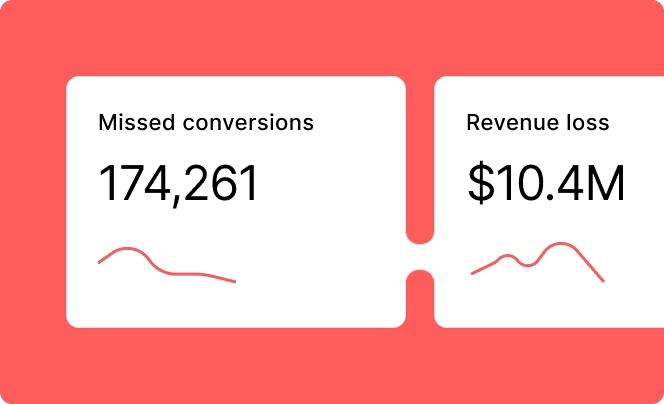
    Discover-Impact Quantification
    Prioritize meaningful fixes

    See which improvements could make the most difference to your business outcomes.
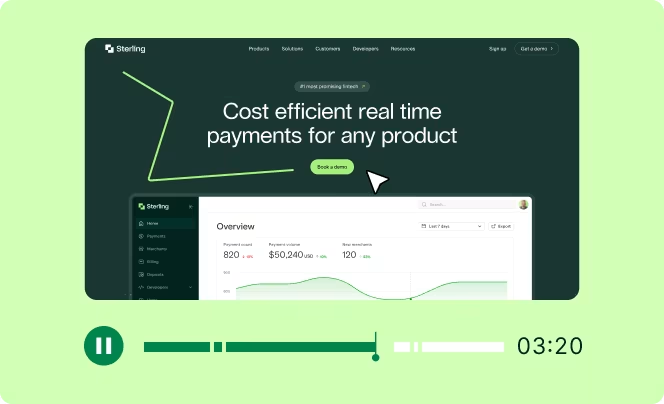
    Discover - Session Replays
    See what customers actually experienced

    Replay key moments across any journey and quickly spot friction, errors, and behavior patterns with AI-powered summaries.  

    Frustration score visual
    Uncover friction

    Identify the biggest areas of struggle that make customers leave.

    No credit card required · 200,000 free monthly sessions · Hotjar and Heap are now Contentsquare.