Want to know what users really think? Just ask to observe them
Why are people abandoning your site or app? Who are your website visitors? What are they looking for but can’t find? And what do they really love about it?
Website feedback tools let you answer these questions and many more. Helping you fix what’s broken, double down on what works, and make decisions with confidence.
Trusted by 3,000 enterprise and mid-market brands and 1.3+ million websites
Surveys: hear from the people behind the clicks
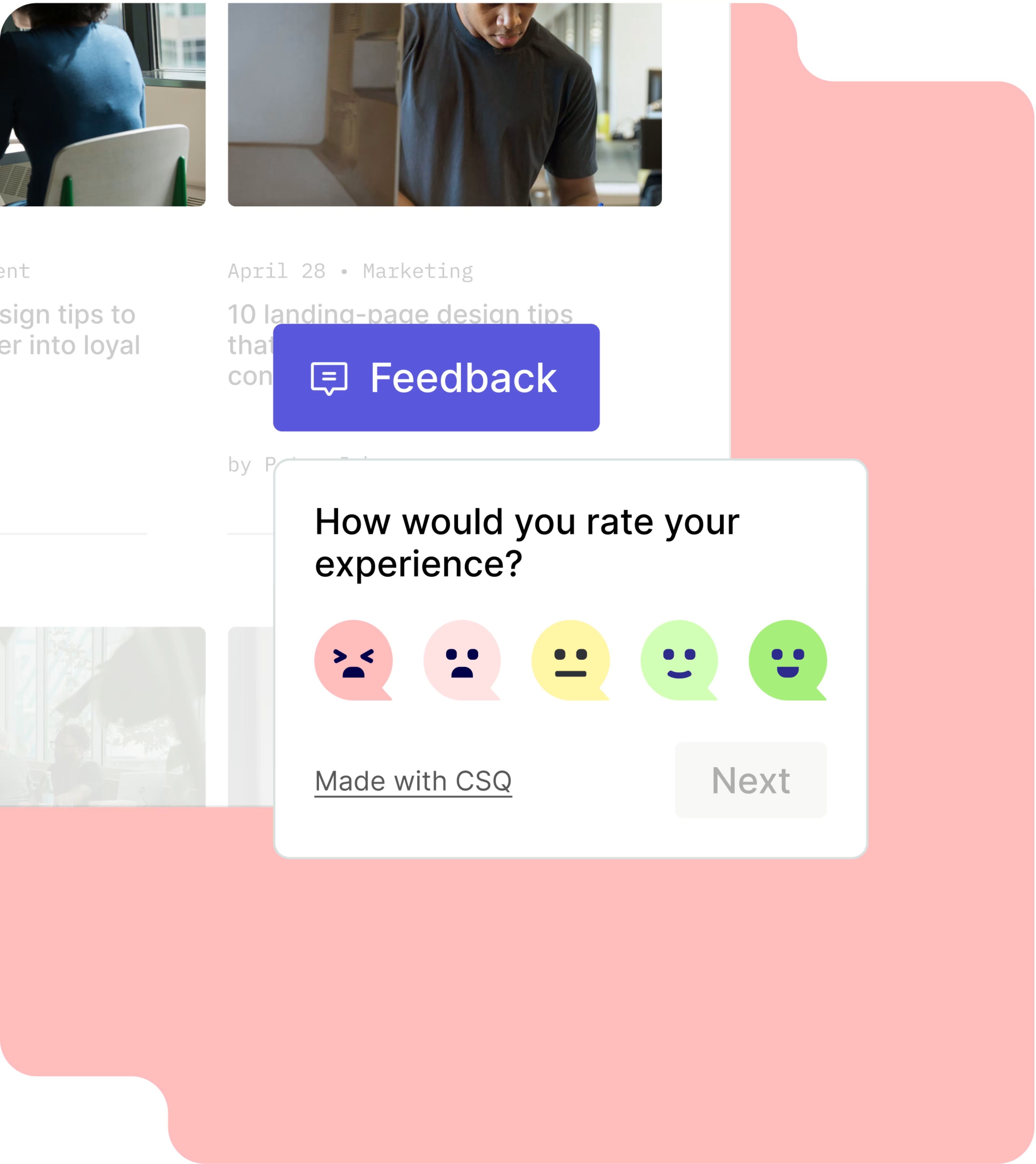
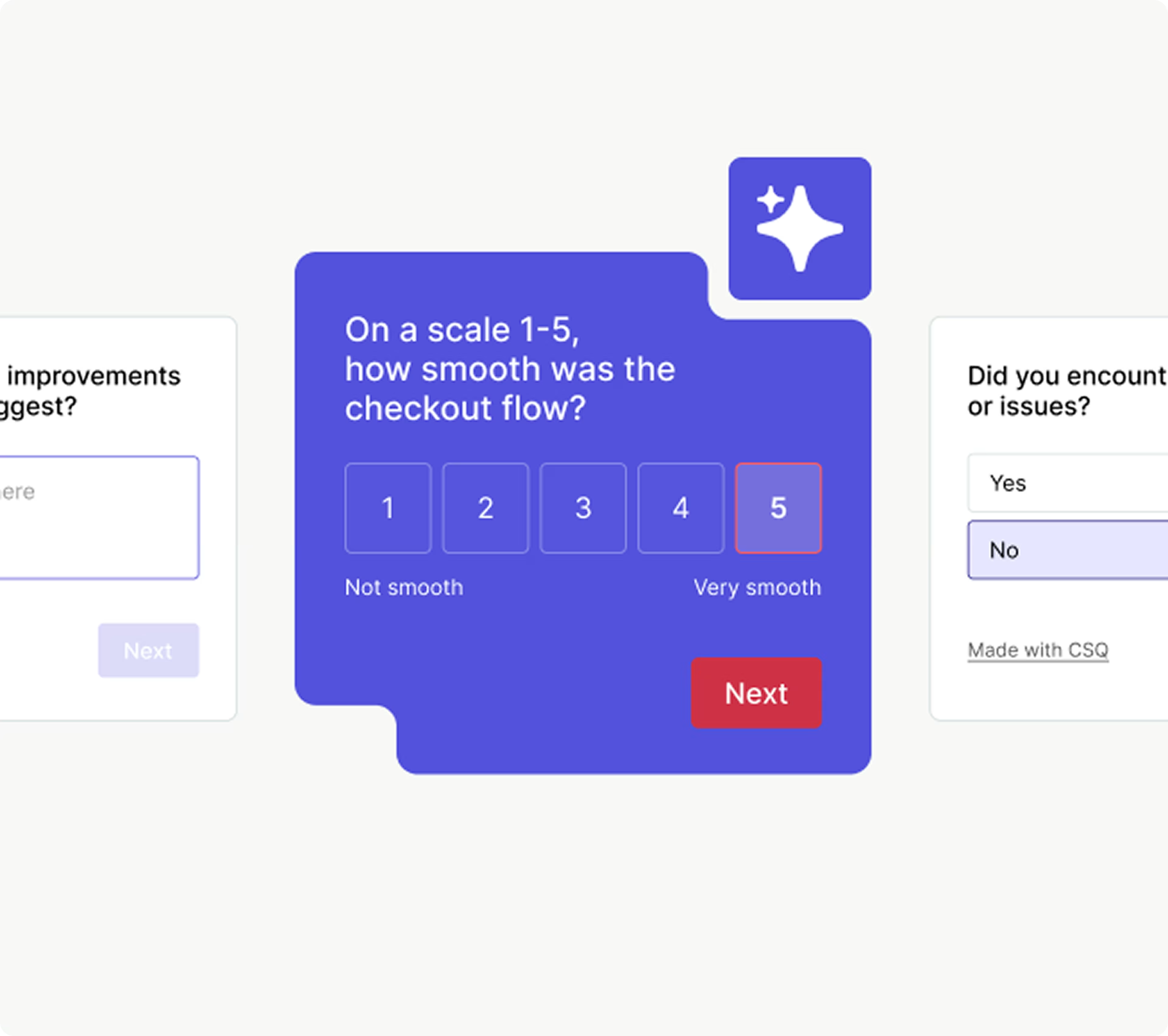
Want to find out what really matters to visitors? Launch surveys that appear across your site or trigger them at key moments.
Need help getting started? Tell Sense, Contentsquare’s AI, your research goals and it generates relevant questions for you in seconds.
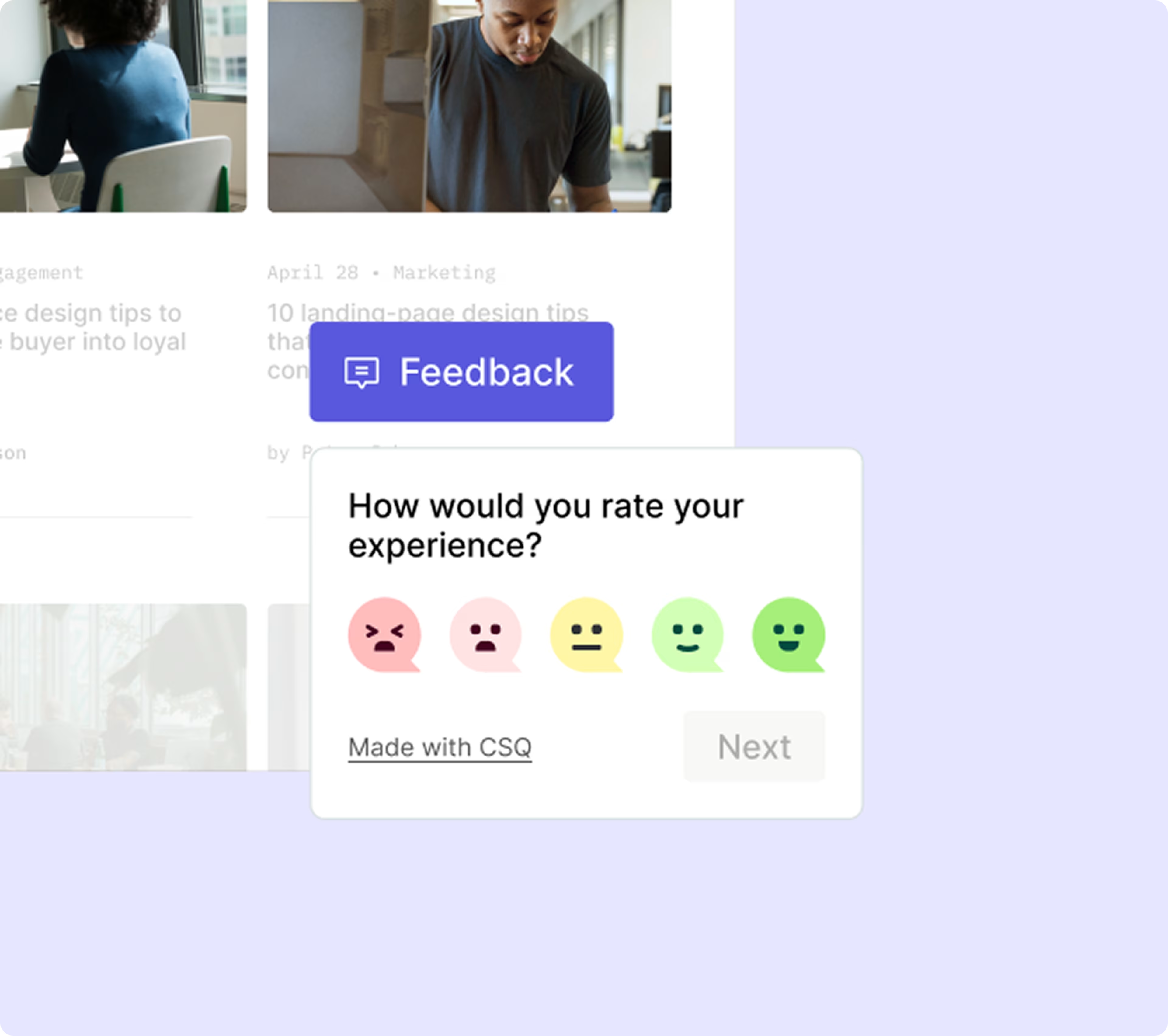
Feedback button: give your visitors a voice
Launch an always-on feedback button to give your visitors a direct line to you—any time, on any page. Visitors can rate their experience, leave a comment with further details, and attach screenshots for context.
What starts as a little button turns into a continuous stream of helpful feedback. Track trends over time, spot pain points fast, and stay in tune with what your customers really think.
AI analysis and automated tagging
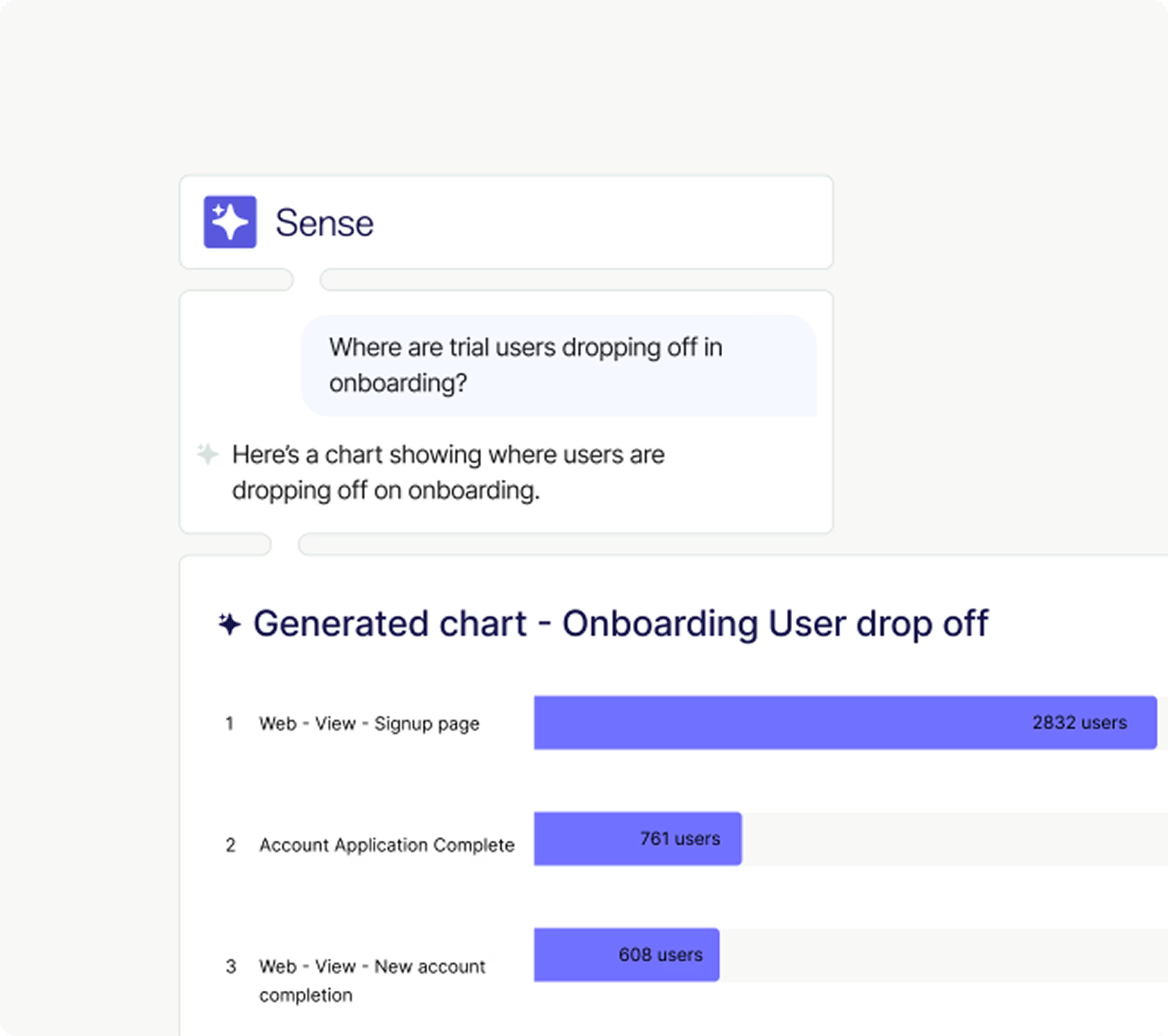
Short on time? Contentsquare’s AI tools help you quickly make sense of your survey data. Automated tagging highlights recurring themes in responses, while smart summaries give you an instant overview of the main insights.
Sentiment analysis categorizes open-text responses as positive, negative, or neutral—so you can jump straight to the feedback that matters most. Track how sentiment shifts over time, identify issues, and surface quotes for easy reporting.
Insightful dashboards
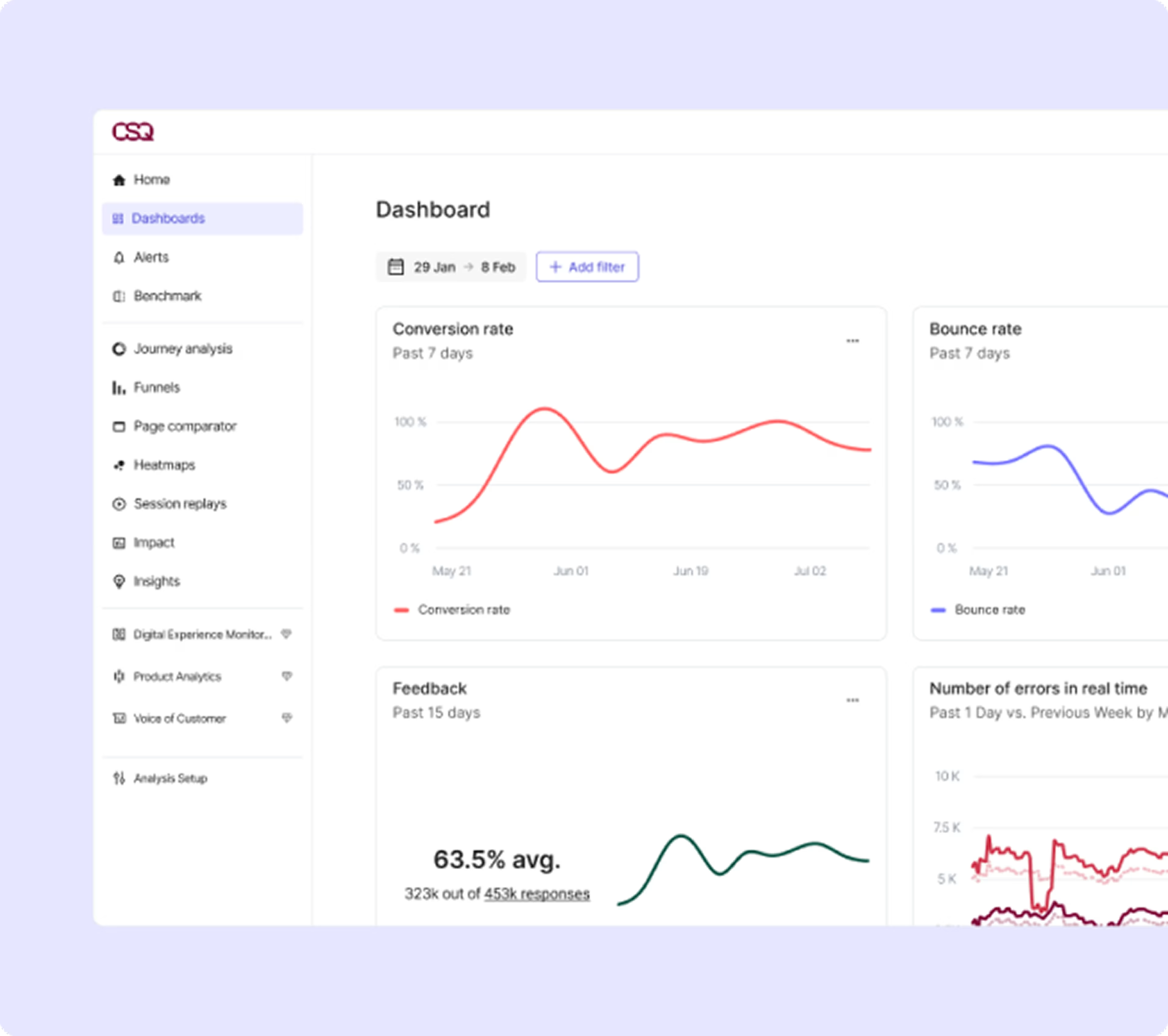
If you’re collecting numerical data (like customer satisfaction scores), your dashboard visualizes everything with graphs and charts. Track performance, spot trends, and see what needs the most attention.

User interviews, session replays, and impact quantification
Invite users to follow-up interviews with a click, or watch session replays to see what happened before (and after) they left feedback. You’re not just reading what they said—you’re understanding what they experienced.
When you identify an issue, use Impact Quantification to measure how much it's affecting your business. Is that frustration hurting conversions? Is it costing revenue? Get the full picture and know where to act first.
User tests: get helpful pre-launch feedback
Need feedback on a website prototype before going live? Contentsquare’s User Tests tool lets you record participants as they explore your designs and website features. See exactly how they complete tasks, then dive into their thoughts with follow-up questions.
The best part? It’s all fully automated. So you can run tests with participants in different time zones—and wake up to data that drives better decisions.
